
Featured payroll providers

Xero Payroll
Industry-first integration. Process workplace pension contributions without leaving Xero.

HiBob
Automate workplace pension contributions and keep payroll running smoothly every pay period.

Staffology
Connect Staffology to Penfold and simplify workplace pension administration.

FreeAgent
Submit workplace pension contributions automatically each pay period.

FreshPay
Automate workplace pension processing and reduce payroll administration.

Brain Payroll
Process workplace pension contributions using integration, PAPDIS or CSV uploads.
Direct integration, PAPDIS or file upload
These providers support Penfold’s most flexible setup: direct integration, PAPDIS upload or file upload.
Brain Payroll

Buddy Payroll

Deel

Employment Hero Payroll
FreeAgent
FreshPay
HiBob

Moorepay

Onfolk

PayCaptain

PayFit

Qtac

Sage Business Cloud
Sage People Payroll
Staffology
Xero
PAPDIS or file upload
These providers let you export a PAPDIS file for upload to Penfold, or use other file uploads.

BrightPay

Capium

Finity

IRIS Payroll Professional

Moneysoft

My Digital

myPAYE

Nomisma

Octopaye

OptEnrol

paiyroll

Paycircle

Payescape

Payroo

PrimoPayroll

Quickbooks Advanced Payroll
Quickbooks Standard Payroll
Sage 50

Zelt
Can’t find your payroll provider?
Many payroll tools can export contribution data in a format Penfold can process, even if they aren’t listed here.
Speak to our team and we’ll help you find the best route for your setup.
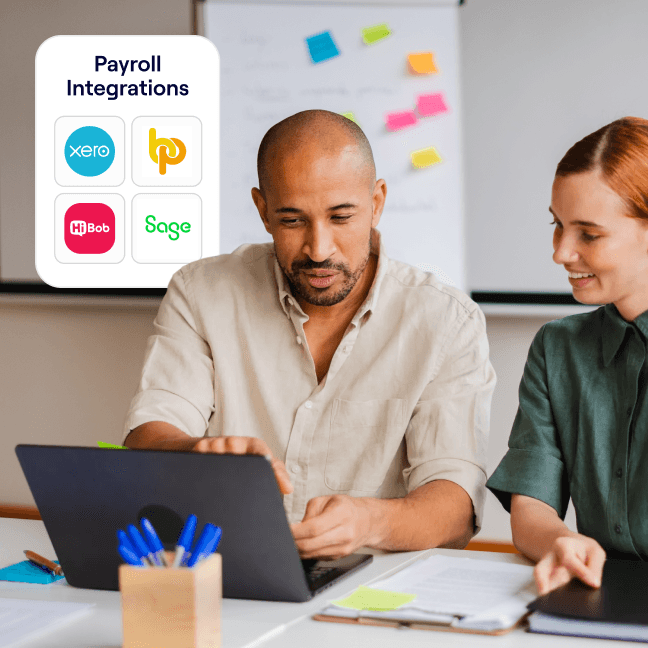
How payroll processing works with Penfold
Choose your payroll provider, run payroll as usual and send contribution data to Penfold using the best route available – direct integration, PAPDIS or file upload.
- Choose your payroll provider
Find your payroll software and see which processing routes are supported.
- Run payroll as normal
Keep using your existing payroll software for employee pay, deductions and pension contributions.
- Send contribution data to Penfold
Use a direct integration, PAPDIS file or CSV upload so Penfold can process pension contributions.

Why process pension contributions with Penfold?
What you’ll get with Penfold:
- Easier payroll-to-pension processing
Use the route that works best for your payroll software – direct integration, PAPDIS or file upload.
- Less manual admin
Reduce repetitive pension tasks and keep contribution processing clearer each pay period.
- Built for employers, advisers and payroll teams
Whether you manage payroll in-house or support clients, Penfold helps make workplace pension admin easier.


