Finally know how your workplace pension is being used with Penfold insights
Penfold insights gives employers a clearer view of how their workplace pension is being used, helping them understand engagement and where they can help teams get more from the benefit.
Chris Eastwood
16 October 2026
3 min read
You're completing your Auto-Enrolment (AE) duties. You're paying contributions each month, on top of salaries. But what happens after that?
Are employees logging in? Are they engaging with their pension? Are they making use of the tools and support available to them?
Without that visibility, it can be difficult to know.
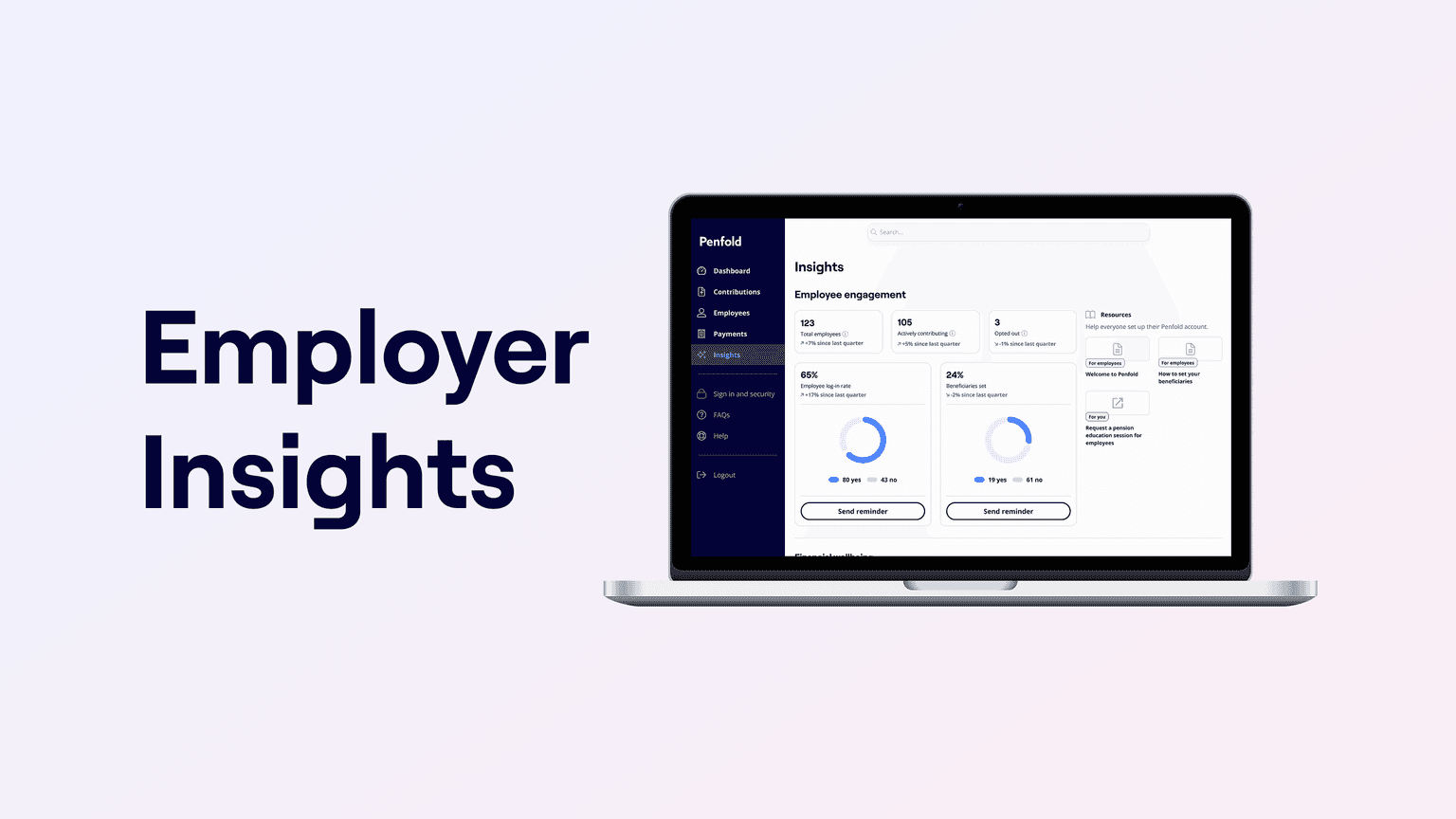
That’s why among our guidance and support features, we also built the Penfold insights dashboard. It gives employers a clearer view of how their team is engaging with their workplace pension, so you can understand what’s being used and where people might need a little more encouragement.
A clearer view of pension engagement
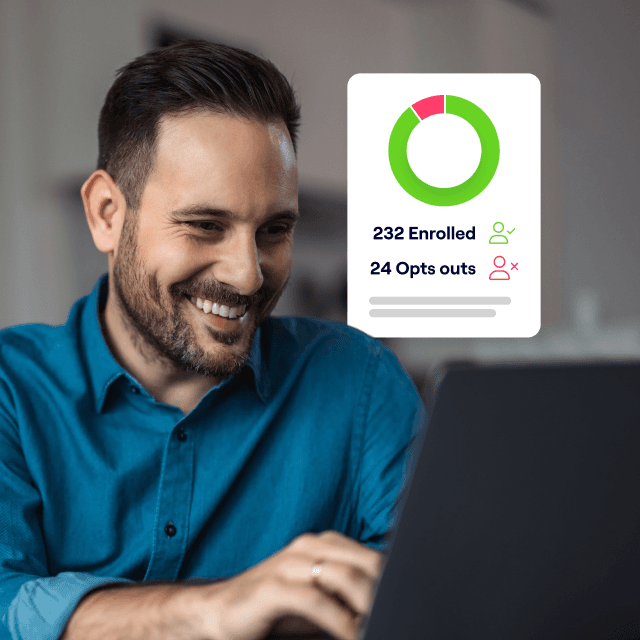
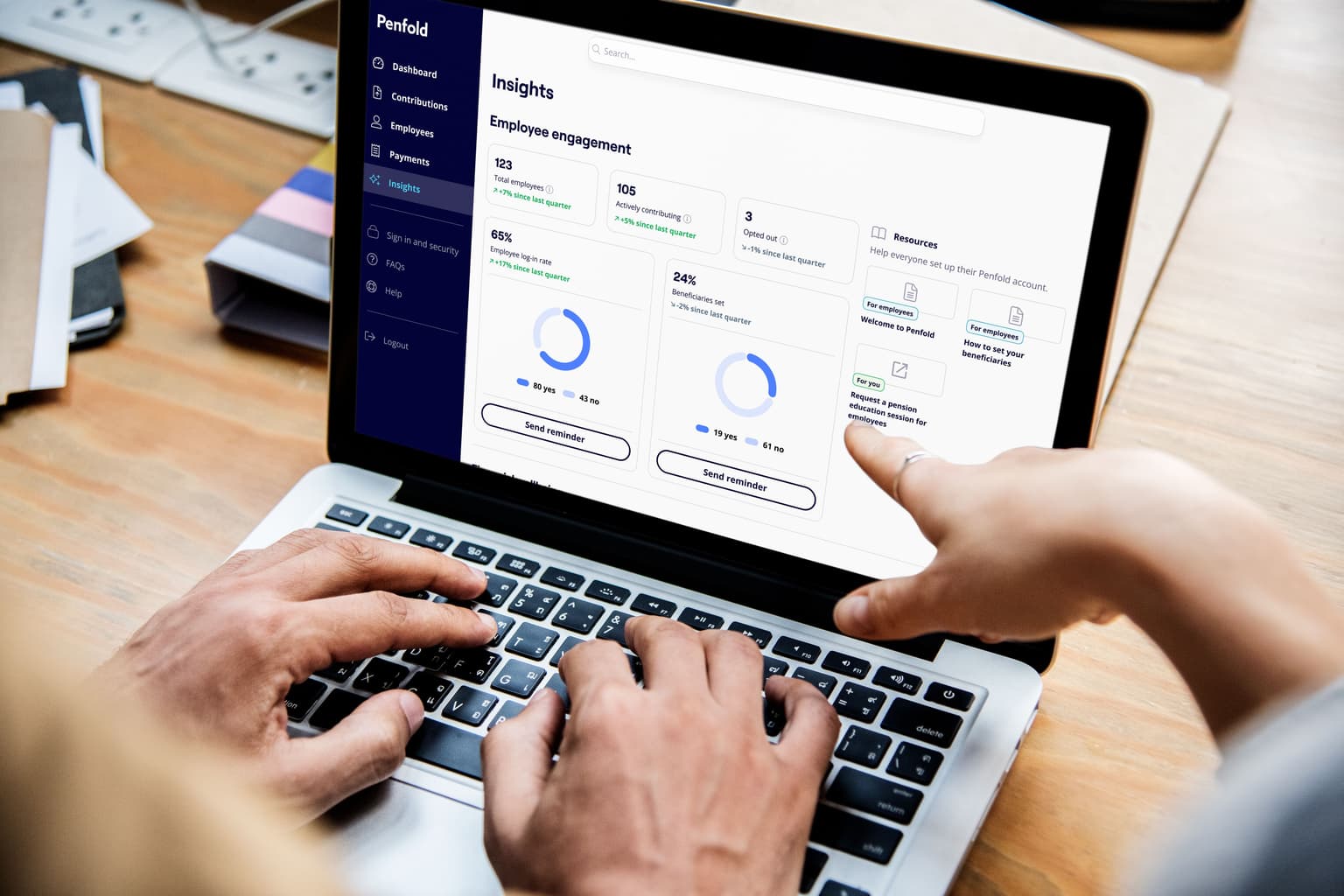
Inside the Penfold employer dashboard, you can see engagement signals such as employee log-ins, alongside the number of employees contributing and other activities.
It means your workplace pension doesn’t have to be something that simply runs in the background. You can get a better sense of whether employees are engaging with it and how that changes over time.
This isn’t about monitoring the pension decisions employees make. It’s about giving employers useful visibility into the benefit they’re providing.
Use the insight to improve your communications
Knowing how people are engaging can help you make better decisions about how you communicate about your pension.
If engagement is lower than you’d like, you might decide to give your team a reminder. If activity increases after onboarding or a pension communication, you have a clearer picture of what’s getting people’s attention.
The data can also help when you’re reporting internally on your benefits. Rather than only knowing that a pension is in place, you have a better view of how employees are interacting with it.
Turning insight into action
Seeing the picture is useful. Being able to do something about it is better.
If you spot that part of your team hasn't logged in, you can prompt them directly from the dashboard, in one click. No email chasing, no spreadsheets.
That gives HR and People teams a simple way to follow up on engagement without having to create a separate communications process each time.
Built on guidance that's designed to be used
Of course, visibility only matters if employees have something useful to engage with. The insights dashboard sits on top of the guidance and support already built into every Penfold pension.
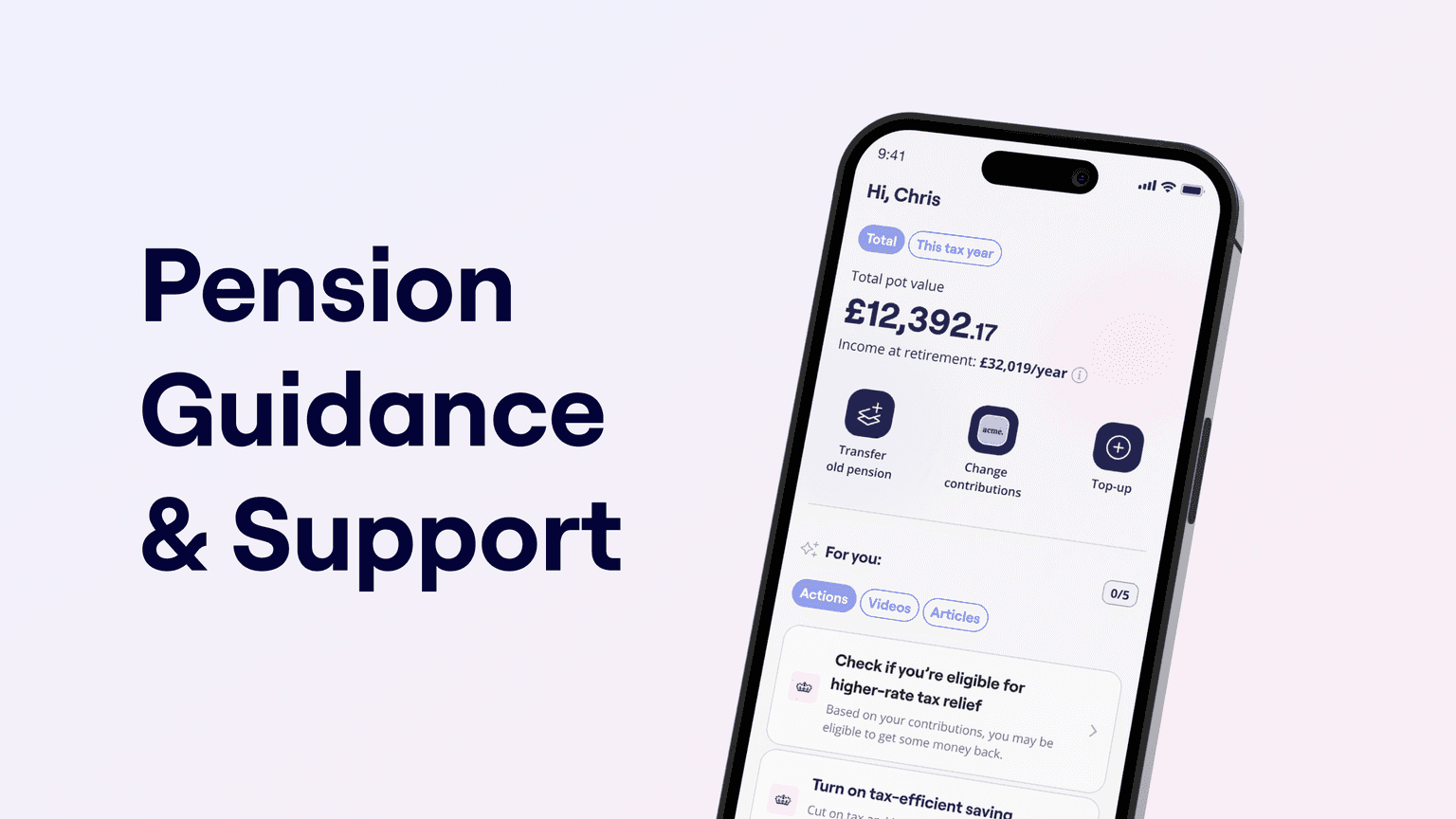
Every Penfold workplace pension includes digital guidance and human support. Employees can use tools including retirement forecasts and personalised guidance to better understand where they stand and explore what different choices could mean for their retirement. They can also access Customer Support, Welcome Sessions and a complimentary 1:1 pension guidance session with our team.
Together, that gives employees more support to understand their pension, while giving employers a clearer picture of how their workplace pension is being used.
This is pension guidance and education, not regulated financial advice. If someone needs personalised financial advice, we’ll suggest speaking to a regulated financial adviser.
We think a pension works best when nobody's left guessing. If you'd like to see what the insights dashboard looks like for your business, get in touch and we'll walk you through it.