

A modern pension built for directors and Limited Companies
Think pensions are complicated, boring, and a headache to manage? Not anymore.
Penfold makes it simple for directors to make tax-efficient contributions, track down and combine old pensions, and remove admin with automated salary sacrifice – all in one modern app.
As with all investments, your capital is at risk.

Why do directors put profits into a pension?
Your company profits don’t have to sit idle. Contributing to a pension is a smart, tax-efficient way to put them to work:
Make flexible, tax-free contributions: Pension contributions from your limited company are classed as a business expense, so you won't pay any tax on these contributions. You can choose to make flexible contributions whenever cash flow
allows, so you stay in control.
Save between 19-25%: Business contributions are deductible from your corporation tax bill. If your business makes a profit below £50,000 you can save the small profits rate of 19%. Therefore £1,000 paid into your pension cuts your tax bill by £190.
Use your allowance: Your company contributions aren’t limited by your personal salary, meaning more in your retirement pot. For most people, pension contributions are capped at £60k or their yearly salary, whichever is lower. As a limited company director, your business can contribute into your pension without the salary restriction.
Tax treatment depends on your individual circumstances and may be subject to change in the future.
Open an account
Here's what you get
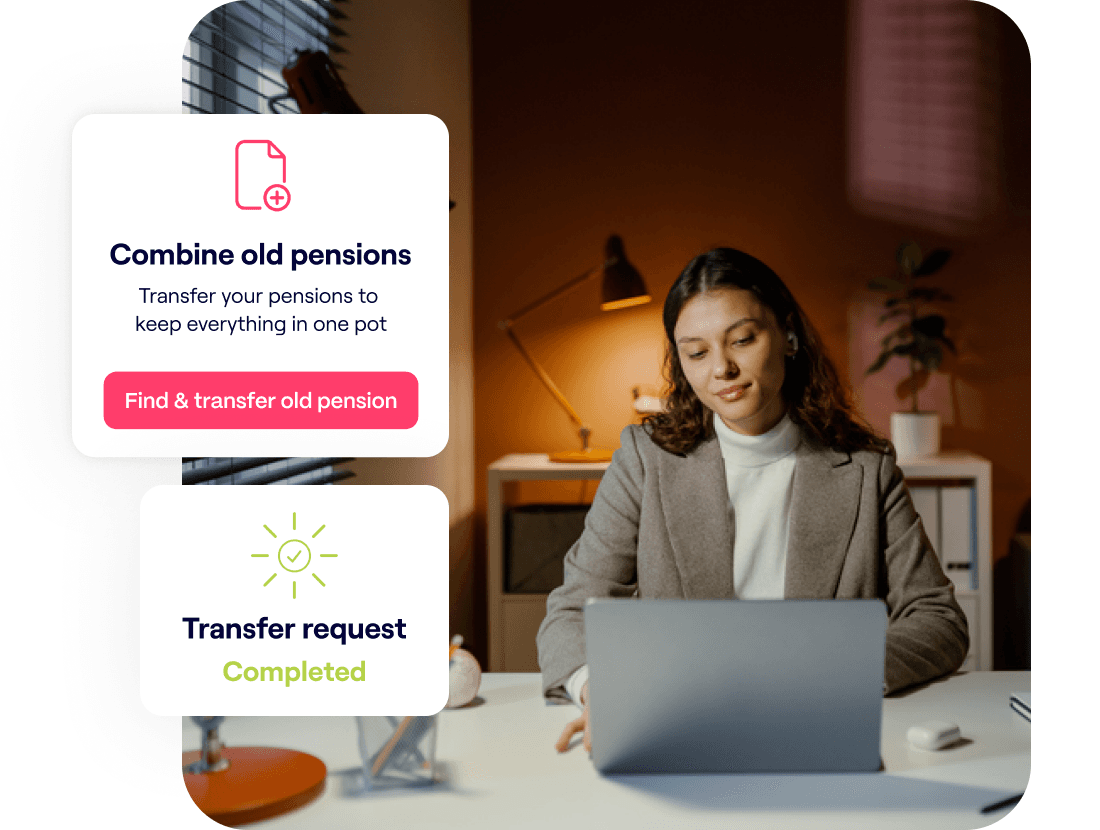
All your pensions in one place
Every job usually means a different pension provider, and your pots
can end up scattered. Penfold can round them up for free, so you see all your retirement savings in one spot.
Missing pension details? No problem. With our Find My Pension
service, just give your employer’s name and we'll track down
the details for you.
It’s important to compare providers’ fees and any guaranteed benefits when deciding on whether to transfer, and be sure that the investments available are suitable for you. If your employer is paying into your pension currently, transferring that pot may mean you lose out on their contribution.

How it works
- Set up in minutes
Sign up with Penfold online or through our app. Pop in your email, choose a password, and add a few details. In as little as 5 minutes, you could be all set. - Pay in your way
Contribute through your company, personally, or both. Adjust or pause anytime. You can also bring your old pension pots together for free so you can see your full retirement savings in one place. - Watch it grow
Track savings, switch plans, and see your retirement forecast in real time. So you can easily see how what you contribute now will affect your retirement.
Open an account
With investments, your capital is at risk. The value of your investment can go down as well as up, and you may get back less than you invest. This information should not be regarded as financial advice and past performance is not a reliable indicator of future performance.


